In today’s world, our phones are like digital diaries. We click photos daily. Photos capture our memories, our family, our trips, our friends, and even our work. But what if you delete those photos by mistake?
Don’t worry. In 2025, recovering deleted photos from your phone is easier than ever. Many apps and methods can bring your lost pictures back. This guide will explain step by step how you can recover deleted photos in simple English.
Why Do Photos Get Deleted?
Photos can disappear for many reasons:
- You delete them by mistake.
- You clear storage and lose photos.
- Virus or malware attack.
- Phone reset or software update.
- Broken or damaged memory card.
Can Deleted Photos Be Recovered in 2025?
Yes. When you delete a photo, it does not vanish forever. It stays in the phone memory until new data replaces it. This is why recovery apps and tools can scan your phone and bring back deleted photos.
First Things to Do After Losing Photos
- Stop using the phone. Don’t take new photos or download files.
- Check the trash bin or recycle bin in your gallery. Many phones now keep deleted photos for 30 days.
- Check cloud backups like Google Photos, iCloud, or OneDrive.
If none of these work, use photo recovery apps.
Best Photo Recovery Apps in 2025 (With Links)
Here are the top 10 photo recovery apps you can download from the Google Play Store. These apps are reliable, easy to use, and highly rated for recovering deleted photos.
1. DiskDigger photo/file recovery
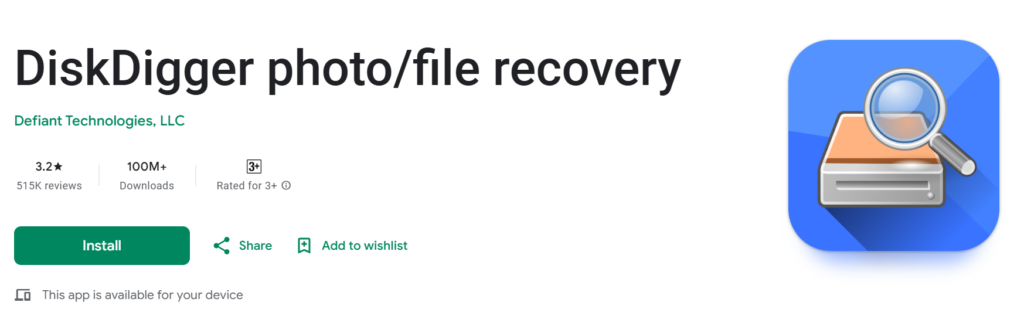
- Simple and easy to use.
- Can recover photos from internal memory and SD card.
- Option to upload recovered files directly to Google Drive or Dropbox.
Visit: https://play.google.com/store/apps/details?id=com.defianttech.diskdigger
2. Dumpster: Photo/Video Recovery
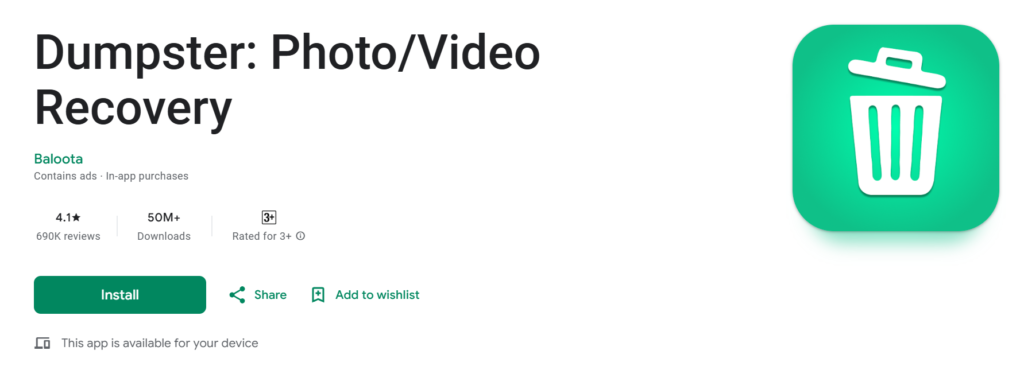
- Works like a recycle bin for your phone.
- Recovers photos, videos, and documents.
- Cloud backup option for extra safety.
Visit: https://play.google.com/store/apps/details?id=com.baloota.dumpster
3. File Recovery – Photo Recovery
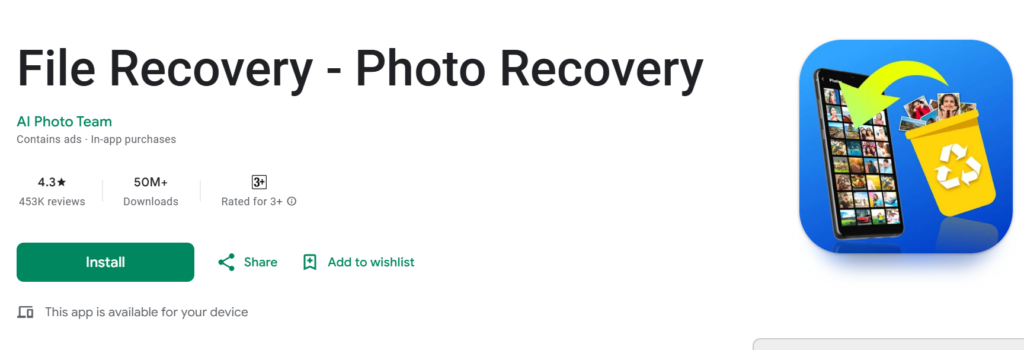
- Scans phone deeply for deleted photos.
- Supports multiple file types (images, videos, audio).
- Lightweight app with easy interface.
Visit: https://play.google.com/store/apps/details?id=filerecovery.photosrecovery.allrecovery
4. Data & Photo Recovery
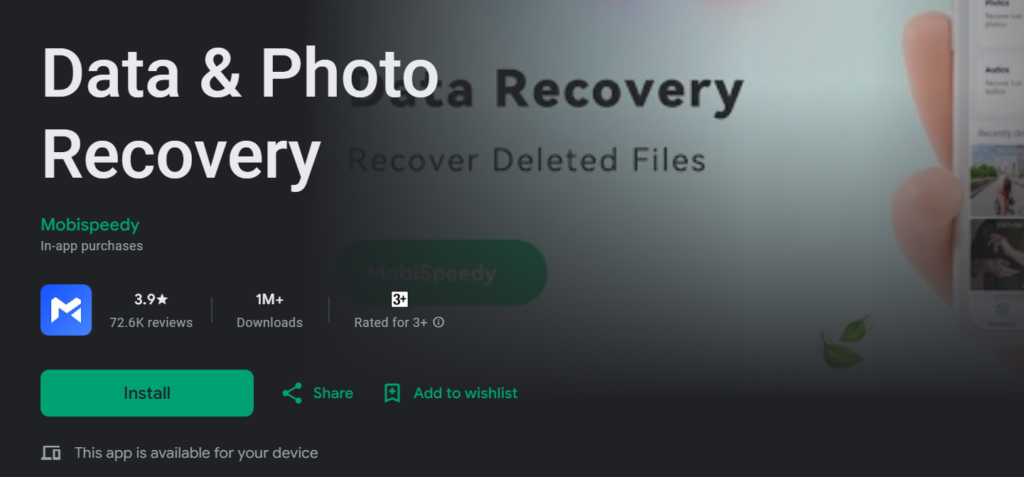
- Recovers recently deleted images quickly.
- Works without rooting the phone.
- Good for users who need simple recovery.
Visit: https://play.google.com/store/apps/details?id=com.mobispeedy.recovery
5. UltData: Photo & Data Recovery
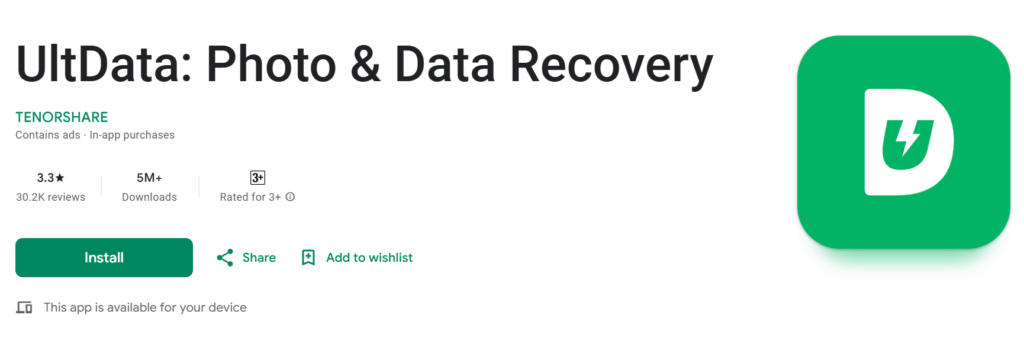
- Professional-grade recovery tool.
- Can restore WhatsApp photos and media.
- Works with both rooted and unrooted devices.
Visit: https://play.google.com/store/apps/details?id=com.tenorshare.recovery
6. MobiSaver: Data & Photo Recovery
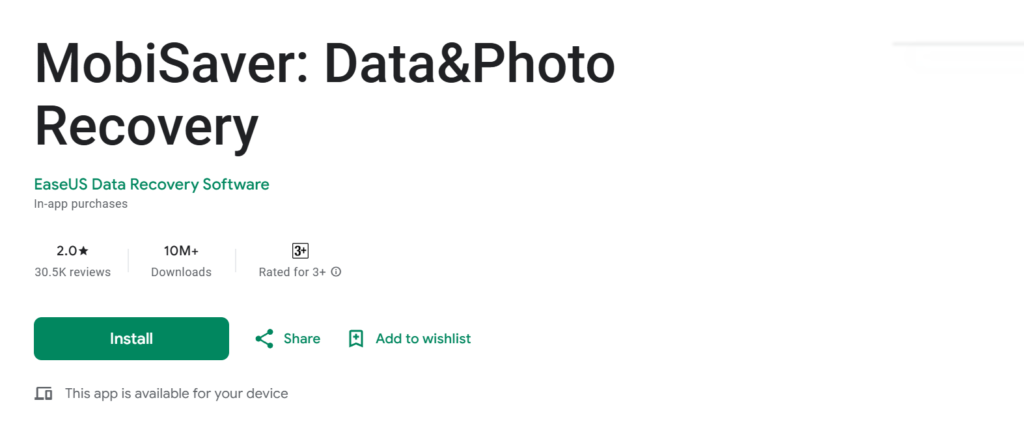
- From EaseUS, a trusted data recovery company.
- Can recover deleted contacts, messages, and photos.
- Supports deep scanning of phone memory.
Visit: https://play.google.com/store/apps/details?id=com.easeus.mobisaver
7. Dr.Fone – Data & Photo Recovery
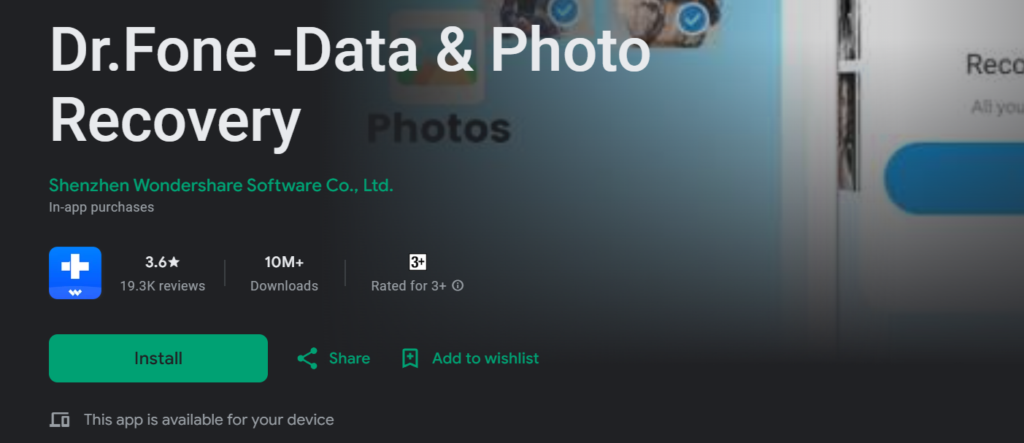
- Famous recovery tool by Wondershare.
- Recovers photos, videos, messages, and files.
- Comes with phone management features.
Visit: https://play.google.com/store/apps/details?id=com.wondershare.drfoneapp
8. Recover Everything: Photo & Data
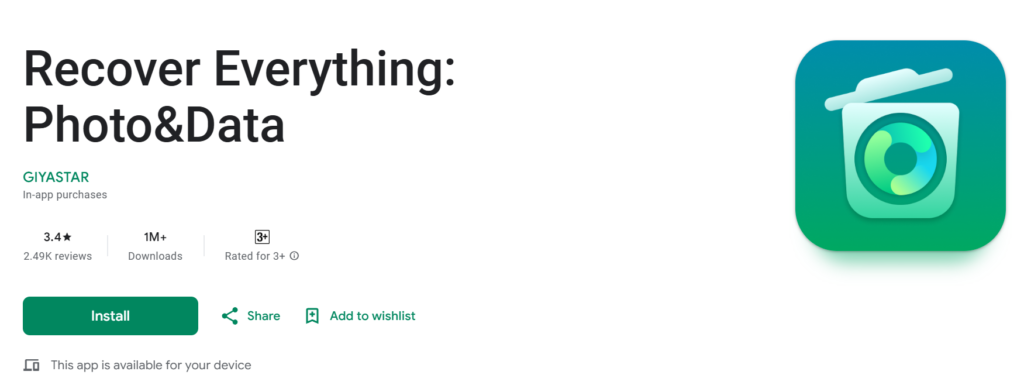
- All-in-one recovery tool.
- Works for photos, audio, videos, and more.
- Quick scan and restore process.
Visit: https://play.google.com/store/apps/details?id=com.recovereverything.app
9. Photo Video Audio Recovery PRO

- Paid app with advanced recovery features.
- Supports recovery of photos, videos, and music.
- High success rate compared to many free apps.
Visit: https://play.google.com/store/apps/details?id=com.photoandvideo.recoveryfilepro
10. Deleted Photo Recovery App (ZipoApps)
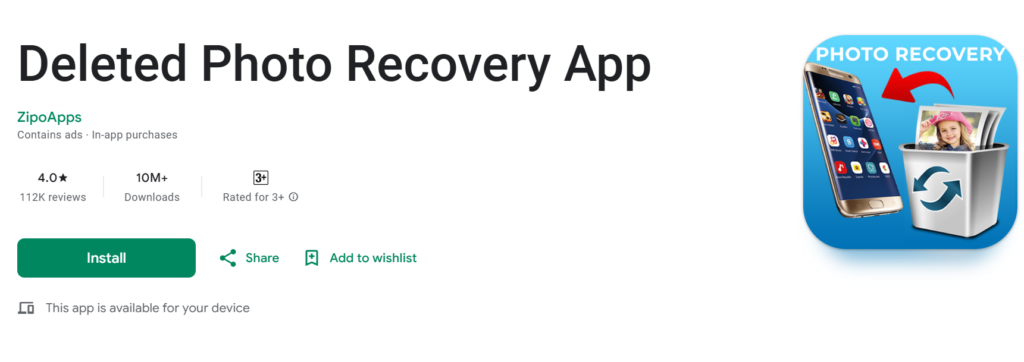
- Easy-to-use interface.
- Restores deleted photos from phone storage.
- Free to download with high ratings.
Visit: https://play.google.com/store/apps/details?id=com.za.photo.recovery.restore.images
👉 These 10 apps are considered the best in 2025 for photo recovery because they are widely used, have strong reviews, and cover all recovery needs — from simple photo restore to full data recovery.
Also Read: Find Hidden Gold with Just Your Phone!

How to Use a Photo Recovery App
Steps are usually the same for all apps:
- Download a recovery app from the Play Store.
- Open the app and give storage permissions.
- Tap on Scan.
- The app will show deleted photos.
- Select the photos you want back.
- Click Recover or Restore.
Tips to Increase Success Rate
- Act fast. The sooner you try, the better chances.
- Use apps with high ratings.
- Try multiple apps if the first one fails.
- Save recovered photos in a different folder or cloud.
Extra Ways to Recover Deleted Photos in 2025
- Google Photos backup.
- Samsung Cloud or Mi Cloud.
- PC recovery software like EaseUS, Wondershare, or Recuva.
- Professional data recovery services if nothing works.
How to Protect Your Photos in the Future
- Always enable cloud backup.
- Keep a copy of photos on Google Drive or external hard disk.
- Avoid risky third-party apps.
- Use antivirus apps to protect from malware.
Final Thoughts
Recovering deleted photos in 2025 is possible with the right apps and quick action. Most apps listed above are free or low-cost and work well on Android phones. If you use cloud backup, recovering is even easier.
So, next time you lose photos, don’t panic. Follow this guide and bring your memories back.